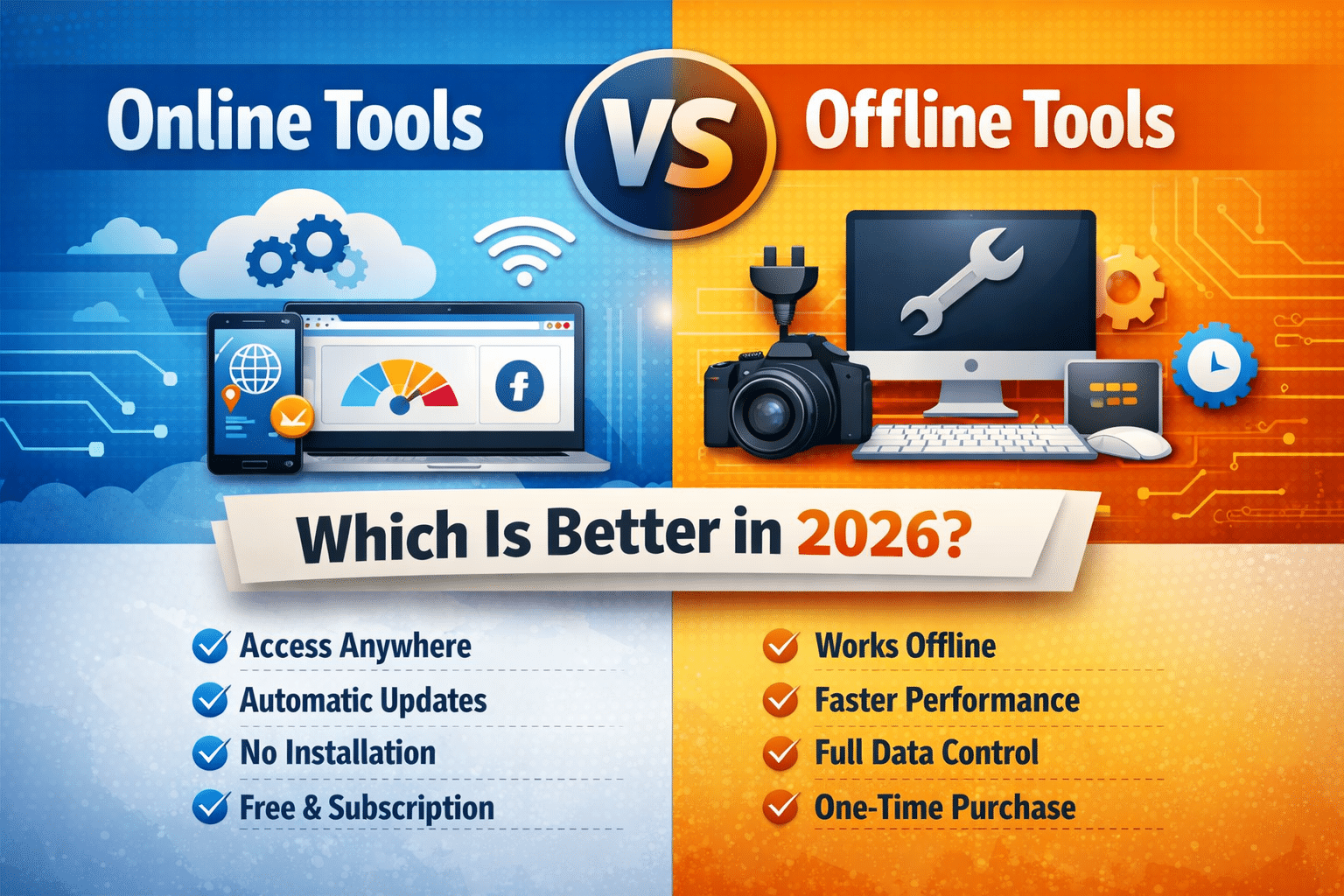
Online Tools Vs Offline Tools: Which is better for Cost, Speed and Productivity?
In today’s world, people go digital first. So, tools play a vital role in the daily and working life of people. There are various kinds of works that people complete through using tools like Image Compression, SEO, PDF converters, AI Utilities and so on. While working with such tools, people often face a common question “Should you use online tools or offline tools?”
Online and Offline tools have their own advantages and disadvantages. Right option must be chosen that will directly impact on cost efficiency, productivity, performance and data security. This specific article provides a detailed comparision of online tools and offline tools. This will help you to decide which is the best option for you.
Table of Contents
What are Online Tools?
Online tools are actually the web-based applications that run directly in your browser. You don’t required to install any software on your device to use these tools. You can run them directly through the internet.
Some examples are:
- SEO Tools
- Image Compressor Tools
- PDF Editor Tools
- AI Tools
- Developer Tools
A large number of free online tools and cloud based tools fall under these categories.
What are Offline Tools?
Offline tools are the software applications that needs to be installed on your device. You don’t need internet access to use such tools after installation. You just need internet connection to download these applications.
Some examples are:
- Video editors
- Antivirus Programs
- Photo editing softwares
- Development tools
- Desktop Utilities
Such tools are used by the professionals who creates valuable content that requires high performance and full system access.
Online Tools vs Offline Tools (Key Differences)
Let’s compare them across the most important factors.
1. Accessibility and Convenience
Online Tools
Online Tools provide unbeaten convenience. These tools can be accessed:
- From any device
- From any location
- Without installation
You just need a browser and an internet connection. For this reason, online tools are perfect for:
- Freelancers
- Students
- Quick fixes
- Remote workers
Offline Tools
Requirement for offline tools:
- Installation
- Storage space
- System compatibility
Offline tools work without internet connection but they have less flexibility.
So, here the winner is Online Tools
2. Cost and Pricing
Online Tools
Most of the online Tools follow these models:
- Free model
- Freemium pricing
- Subscription based plans
Many websites provide free online tools without registration, which is very attractive to the users. Many small/medium businesses also get benefitted from reduced maintenance costs.
Offline Tools
Offline tools usually provide:
- One time license fees
- Costly pro versions
- Paid upgradations
Invidual users can’t easily afford such expensive tools.
So, winner is again Online tools for more cost efficiency.
3. Performance and Speed
Online Tools
Performance of such tools depend on:
- Internet speed
- Browser limitations
- Server quality
However, modern cloud infrastructure and well optimized web applications have already closed this performance gap.
Offline Tools
Generally, these tools offer:
- Faster processing
- Handle heavy tasks swiftly
- Accessing system resources (RAM, GPU, CPU) directly
These are suitable for:
- 3D rendering
- Large file processing
- High level video editing
Here, the winner is Offline tools (As they can manage heavy workloads)
4. Updates and Maintenance
Online Tools
Online tools get updated automatically. These users always get:
- Bug fixes
- Latest features
- Security patches
No manual update is required for them. User experience always get increases.
Offline Tools
Offline tools need:
- Manual updates
- Compatibility checking
- Reinstallation
Outdated software may lead to bugs and security risks.
Winner is Online tools
5. Data Security and Privacy
Online Tools
Online tools process data on remote servers. While reputable platforms use encryption and various security measures but still users may have privacy concerns.
If you want to learn more about online data security practices, you may refer to this authority based guide by Google: https://safety.google/security/
Offline Tools
Offline tools usually provide:
- Local data storage
- Full control over files
- No data transfer over the internet
This is very critical for the users handling sensitive or confidential data.
Here, the winner is Offline tools (for handling sensitive data)
6. Collaboration and Sharing
Online Tools
Online tools excel in collaboration:
- Cloud storage
- Multi-user access
- Real-time sharing
These are ideal for:
- Agencies
- Teams
- Client-based work
- Remote collaboration
Offline Tools
Offline tools lack built-in collaboration unless integrated with third-party services.
Winner is Online tools
7. Storage and System Requirements
Online Tools
These tools:
- Work on low-end devices
- Don’t consume local storage
- Reduce hardware dependency
These make them perfect for the users with limited device capacity.
Offline Tools
Offline tools can be:
- Resource intensive
- Storage-heavy
- Hardware-dependent
The winner is Online tools
Which One should You Choose?
Choose Online Tools If You:
- Prefer free or low-cost solution
- Need tools for quick tasks
- Want instant access without installation
- Work across multiple devices
- Collaboration and cloud access
Choose Offline Tools If You:
- Require maximum performance
- Work with large files
- Handle sensitive data
- Need tools without internet access
Why Online Tools are Growing Faster
This is because of the rise of:
- Cloud computing
- Mobile-first usage
- AI-powered web apps
- Remote work culture
These made online tools the prefered choice for most of the users. Many small to big businesses favor online tools because of the following reasons:
- Reduce support costs
- Scale easily
- Reach global users instantly
For this reason, modern tools websites are gaining massive amount of traffic and higher conversion rates.
Conclusion
There is no one-size-fits-all answers. However, majority of users are getting better accessibility, affordability and ease of use from online tools, while offline tools remain essential for specialized professional tasks.
If the goal is speed, convenience and productivity, online tools are the best choice but if the priority is power and privacy then offline tools still hold the value.
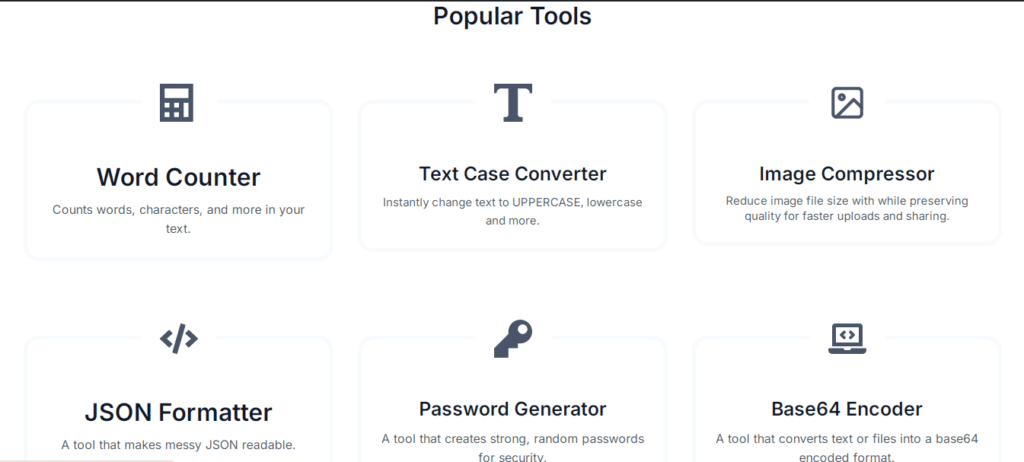
Some of Our Most Demanding Tools
FAQ
What are online tools?
Online tools are web-based applications that run directly in a browser without installation. Users can access them from any device with an internet connection, making them fast, convenient, and cost-effective.
What are offline tools?
Offline tools are software programs installed on a computer or mobile device. They work without an internet connection and often offer higher performance for heavy or professional tasks.
Which is better: online tools or offline tools?
Online tools are better for quick tasks, collaboration, low cost, and accessibility, while offline tools are better for high-performance tasks, large files, and sensitive data handling. The best choice depends on your specific needs.
Are online tools safe to use?
Yes, most reputable online tools use encryption and secure servers to protect user data. However, users should avoid uploading highly sensitive information to unknown or untrusted platforms.
Do online tools require installation?
No, online tools do not require installation. They run directly in a web browser, saving storage space and eliminating compatibility issues.
Can offline tools work without the internet?
Yes, offline tools are designed to work without an internet connection after installation, which makes them suitable for use in low-connectivity environments.
Are online tools free?
Many online tools are free or offer freemium plans with limited features. Advanced features are usually available through paid subscriptions.
Which tools are better for productivity?
Online tools generally improve productivity because they are faster to access, automatically updated, and support collaboration across devices and teams.
Are offline tools more secure than online tools?
Offline tools provide more control over data since files remain on the local system. This makes them a better option for handling confidential or sensitive information.
Why are online tools becoming more popular?
Online tools are gaining popularity due to cloud computing, remote work culture, easy accessibility, lower costs, and the ability to use them across multiple devices without installation.