
How to Improve Writing Productivity Using Free Online Tools
If you want to improve writing productivity, using free online tools can help you write faster and edit content more efficiently. Writing efficiently is a challenge for many people, whether you are a blogger, student, developer, or content creator. Many writers also use cloud-based editors like Google Docs to collaborate and format content efficiently. Distractions, repetitive editing tasks, and manual corrections often slow down the writing process and reduce overall productivity. Fortunately, free online tools can solve many of these problems and help you work faster without compromising quality.
In this article, we’ll explore how you can improve writing productivity using free online tools, and how browser-based tools like those available on Questain can simplify your workflow.
Table of Contents
Why Writing Productivity Matters
Writing productivity is not just about speed — it’s about producing clear, error-free content in less time. When productivity is low, writers often face:
- Repeated manual edits
- Inconsistent formatting
- Missed errors in large text blocks
- Wasted time switching between software
By using the right tools, you can eliminate repetitive tasks and focus more on creativity and accuracy.
The Role of Online Writing Tools
Online writing tools work directly in your browser, which means:
- No installation required
- Works on any device (desktop, tablet, mobile)
- Faster access and instant results
- No system resource usage
Unlike traditional desktop software, online tools are lightweight, simple, and designed for specific tasks, making them ideal for productivity-focused workflows.
Key Online Tools That Boost Writing Productivity
1. Find & Replace Tool
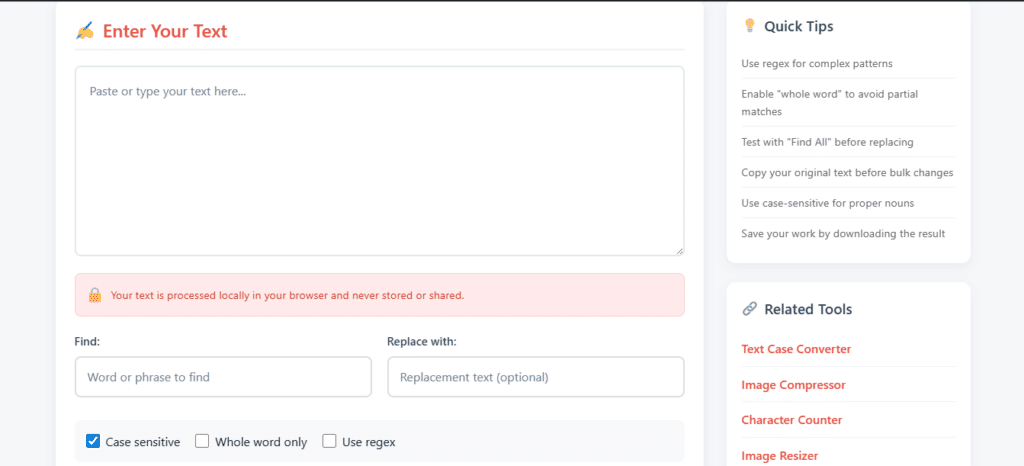
One of the most time-consuming writing tasks is correcting repeated words or phrases. Manually searching and editing each instance can take minutes or even hours in large documents.
A Find & Replace Tool allows you to:
- Replace multiple words or phrases instantly
- Fix repeated mistakes in one click
- Update keywords or brand terms quickly
This is especially useful for bloggers, editors, and SEO professionals working with long-form content.
2. Remove Line Breaks Tool
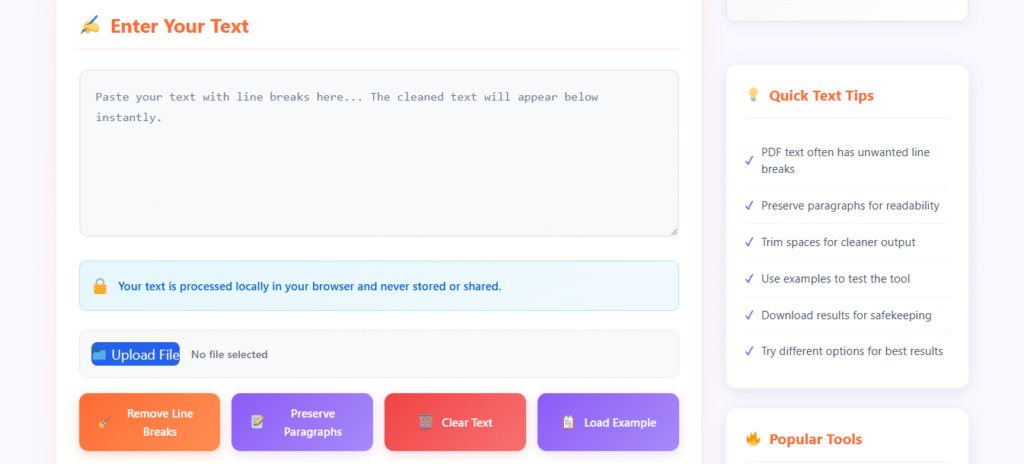
The Remove Line Breaks tool helps you quickly fix broken text by removing unwanted line breaks and converting fragmented lines into a clean, readable paragraph. This tool is especially useful when text is copied from PDFs, emails, or scanned documents where formatting issues are common. By using an online remove line breaks tool, writers, students, and professionals can save time, improve text readability, and prepare content for editing or publishing without manual effort. It’s a simple and effective way to clean up text instantly.
3. Word Counter Tool
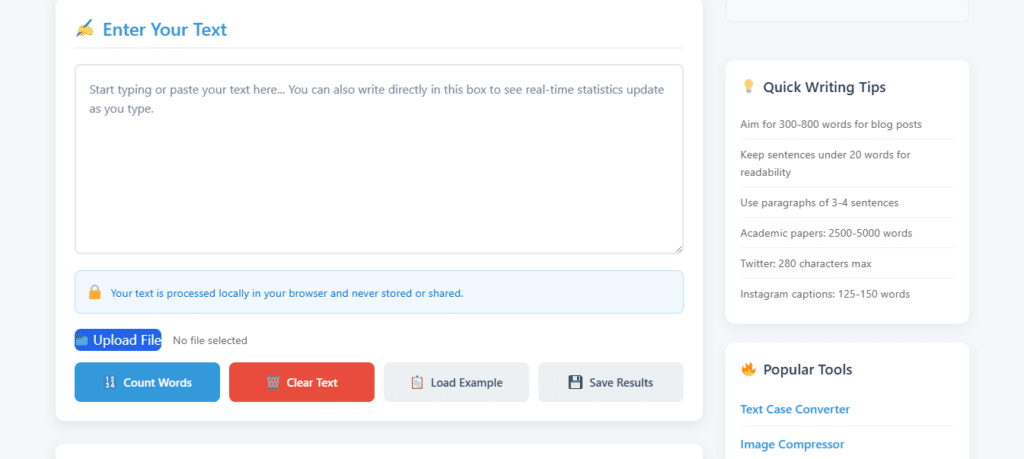
Knowing your word count is essential for SEO, academic writing, and content guidelines. Counting manually or estimating length can be inaccurate.
A Word Counter Tool allows you to:
- Instantly count words and characters
- Meet article length requirements
- Optimize content for SEO
It’s a simple tool, but it saves time and ensures accuracy.
4. Case Converter Tool
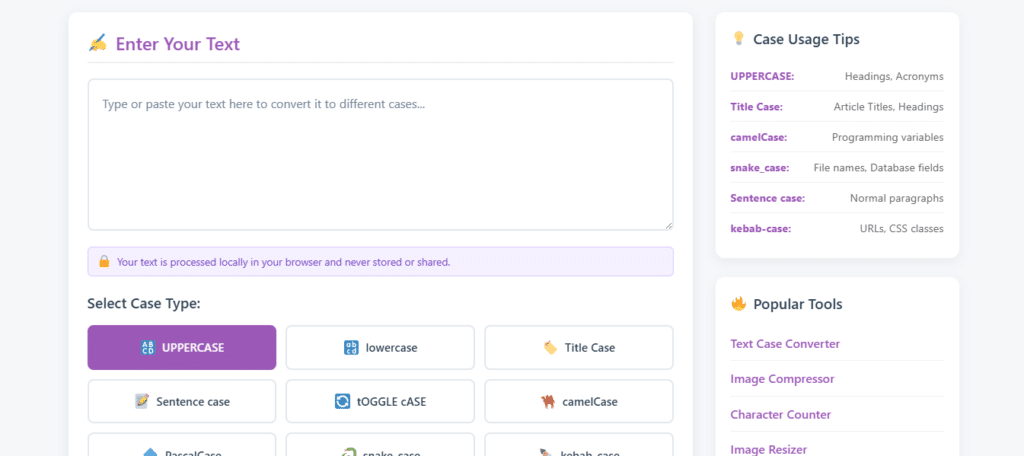
Formatting text into uppercase, lowercase, sentence case, or title case manually is inefficient.
A Case Converter Tool helps you:
- Instantly change text case
- Format headings and titles correctly
- Maintain consistency across content
This is particularly useful for content creators and developers working with structured text.
How Online Tools Improve Workflow Efficiency
Using free online tools improves productivity in several ways:
✅ Reduces Manual Effort
Automated text processing eliminates repetitive tasks that drain time and energy.
✅ Minimizes Errors
Bulk actions ensure consistency and reduce the chance of missing mistakes.
✅ Saves Time
Tasks that take minutes manually can be completed in seconds.
✅ Improves Focus
Less time spent editing means more time spent creating quality content.
Why Choose Browser-Based Tools from Questain?
Questain provides simple, fast, and free online tools designed for real-world writing and editing needs. The tools work directly in your browser, ensuring:
- No data storage or tracking
- Clean and distraction-free interface
- Instant results
- Accessibility from any device
Whether you’re editing an article, preparing content for publishing, or cleaning text, Questain tools are built to support productivity without complexity.
Best Practices for Maximum Productivity
To get the most out of online tools:
- Combine tools into a workflow (clean text → edit → count words)
- Bookmark frequently used tools
- Use tools early in the writing process, not just at the end
- Avoid multitasking — let tools handle repetitive work
Final Thoughts
Improving writing productivity doesn’t require expensive software or complex systems. By using free online writing tools, you can simplify editing, reduce errors, and save valuable time.
Tools like Find & Replace, Remove Line Breaks, Word Counter, and Text Case Converter allow you to focus on what truly matters — creating high-quality content efficiently.
Explore the free tools on Questain and experience a faster, smarter way to write and edit content online.
Frequently Asked Questions
Q1. Are online writing tools safe to use?
Yes, most browser-based writing tools are safe when they process text directly in your browser. Questain tools do not store or save your content, making them suitable for personal and professional use.
Q2. Can free online tools really improve writing productivity?
Yes. Free online tools automate repetitive tasks like text cleaning, word counting, and bulk editing, which helps writers save time and focus more on content quality.
Q3. Do I need to install any software to use Questain tools?
No. All Questain tools work directly in your web browser. There is no need to download or install any software.
Q4. Can I use online writing tools on mobile devices?
Yes. Questain tools are mobile-friendly and can be used on smartphones, tablets, and desktops without any limitations.
Q5. Who can benefit from using online text tools?
Writers, bloggers, students, developers, editors, and content creators can all benefit from using online text tools for faster and more efficient content editing.
Instantly count words, characters & sentences.
No login • 100% free • Works in browser